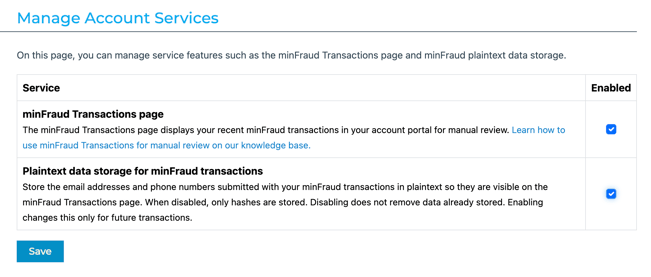
As a security feature, emails and phone numbers sent to the minFraud service are hashed before being stored on our servers. By default, only the plaintext email domain and the phone prefix (first 6-7 digits identifying country code and carrier) are displayed in minFraud Interactive screens, when viewing your list of transactions or drilling down on individual transactions.
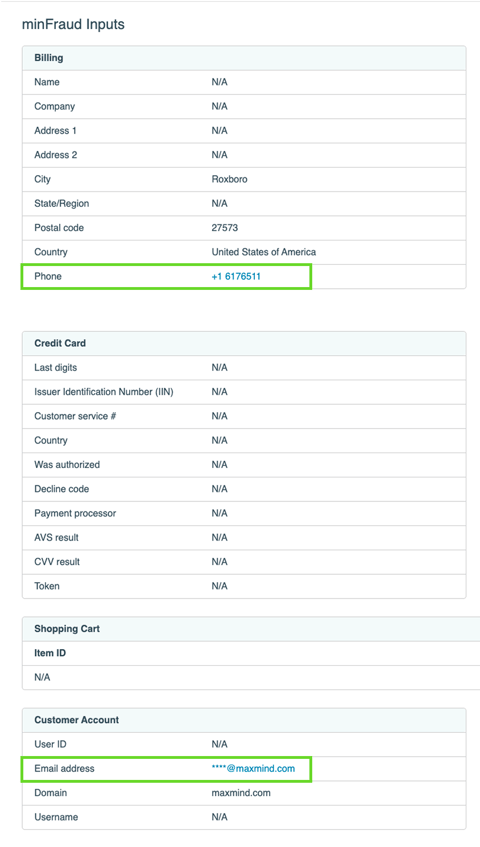
If your team relies on viewing these data elements for manual review, you have the option of displaying the plaintext form of email addresses and full phone numbers in minFraud Interactive screens.
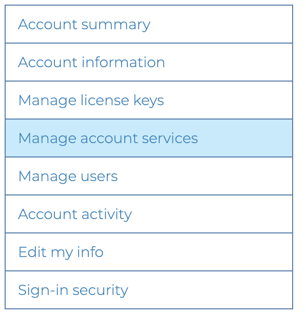
You can opt in to plaintext data storage from the Manage Account Services page in your account [direct link, login required].
The plaintext format will only apply to transactions received after your opt-in date; earlier transaction data will remain hashed.
To opt in to plaintext data storage, click the checkbox next to ‘Plaintext data storage for minFraud transactions’.
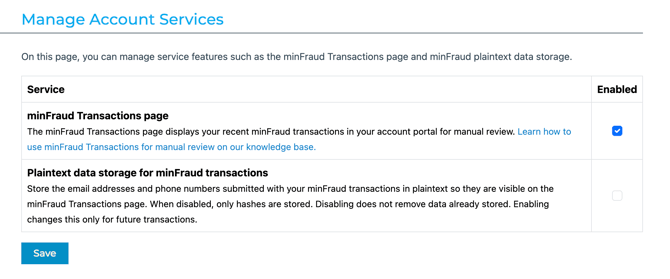
Click ‘Save’.